HubSpot
This is a quick guide of how to connect Centify with HubSpot
Written By Gregor Koehler
Last updated About 1 year ago
Overview
This guide walks you through the process of integrating Centify with HubSpot using Auth0 as your identity provider. This connection enables secure authentication and data synchronization between your Centify application and HubSpot CRM.
Prerequisites
Before starting the integration, ensure you have:
Administrative access to your Centify account
Administrative access to your HubSpot account
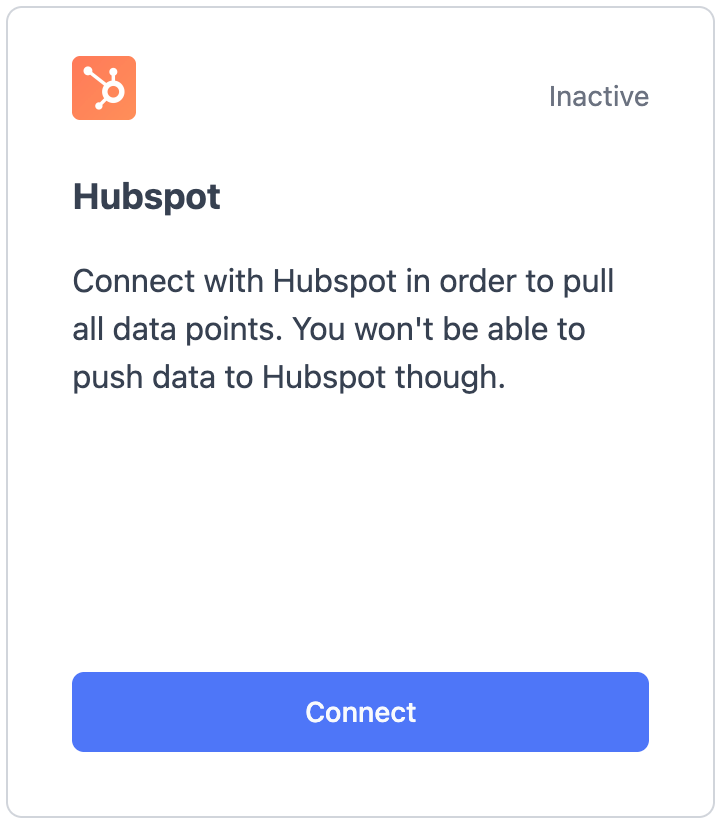
Step 1: Navigate to Data Management and click on Connect
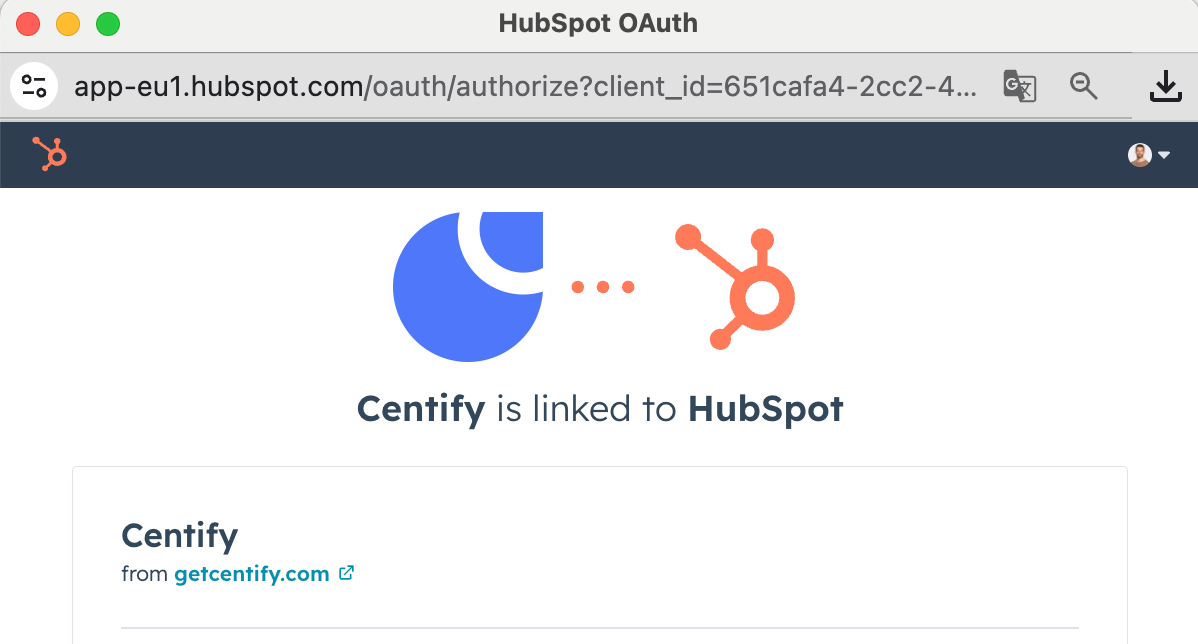
Step 2: Select your HubSpot Account and continue
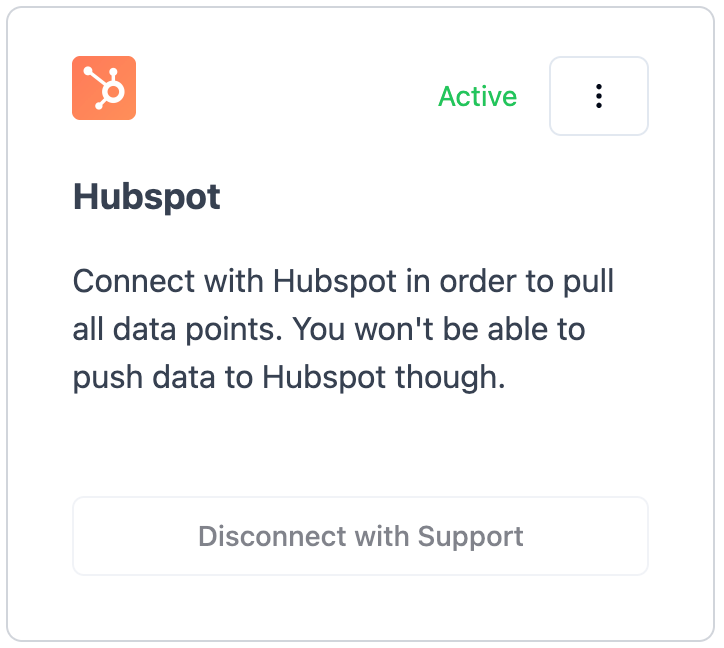
Step 3: You are successfully connected
Step 4: Navigate to Data Mapping and map all relevant fields
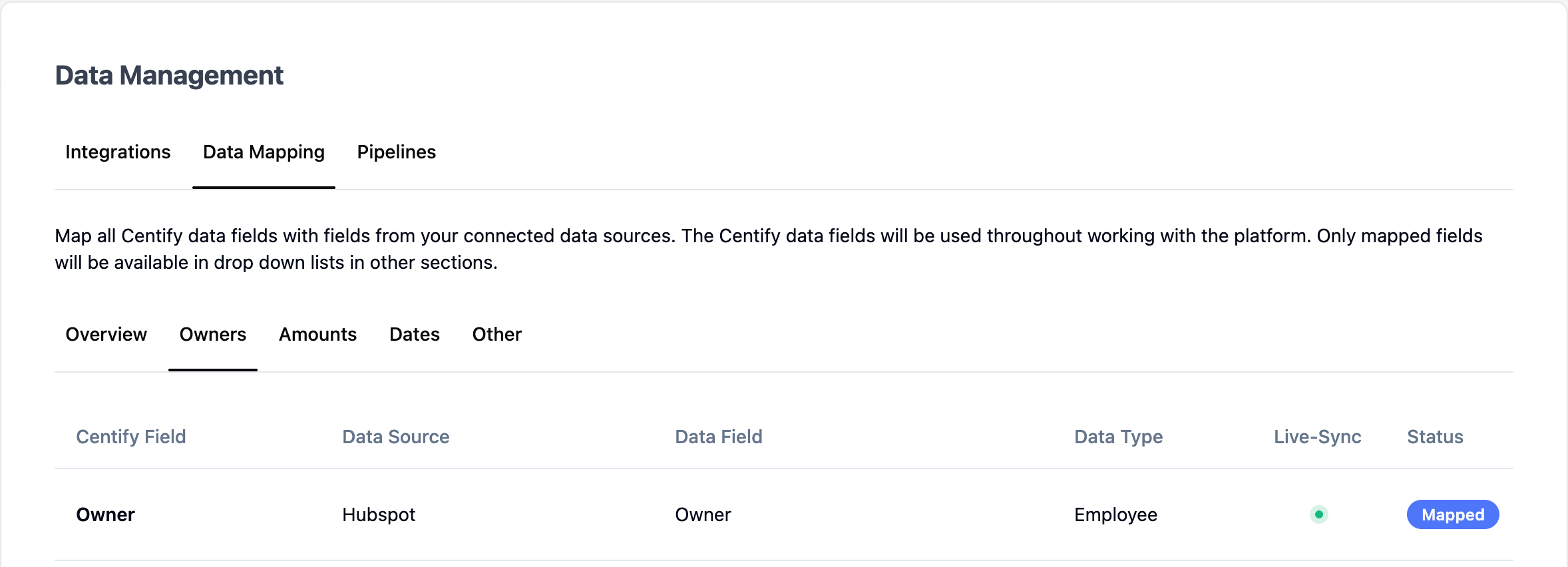
Note that at least the following fields have to be mapped:
Deal Name
Create Date
Close Date
Owner
Step 5: Sync Employees & Pipelines
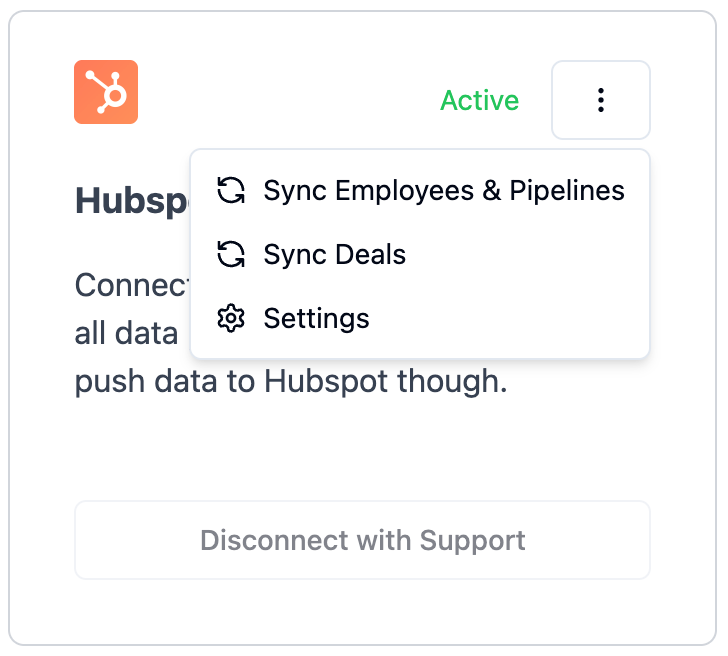
Step 6: Sync Deals
Step 7: You have successfully set up your HubSpot connection!
Was this helpful?
Still need help? Ask the team